.jpg)
BIND DEVICE#
Bind a USB device under a static name#
find the kernel name of the USB device you want to bind
ls /dev/
Find information on the connected USB
udevadm info --name=/dev/ttyUSB0 --attribute-walk

# ——————————————————-
# …
# ATTRS{devnum}==”x”
# ATTRS{devpath}==”y”
# ATTRS{idProduct}==”zzzz”
# ATTRS{idVendor}==”wwww”
# ATTRS{ltm_capable}==”no”
# …
# ——————————————————-
Edit or create a file related to the kernel information
cd /etc/udev/rules.d
sudo gedit 99-usb-serial.rules
SUBSYSTEM==”tty”, ATTRS{idVendor}==”wwww”, ATTRS{idProduct}==”zzzz”, SYMLINK+=”device_name”
Load a new rule and verify the change
sudo udevadm trigger
then check if the static name setting is done properly
ls -l /dev/device_name
多网口ip地址与MAC地址绑定#
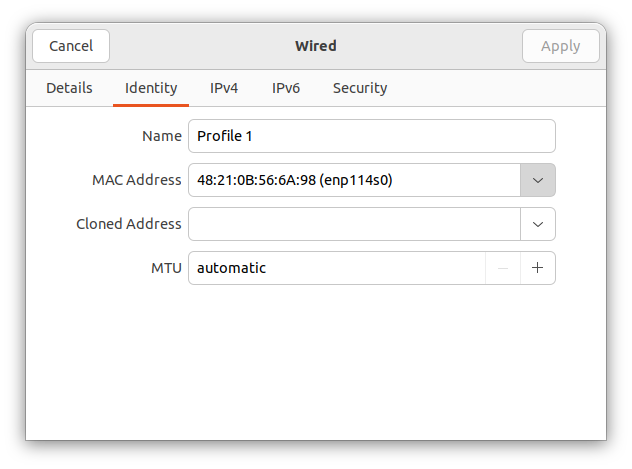
多网卡或者接了usb/lightning转网口时,需要把网卡的MAC地址和ip profile绑定