.jpg)
Develop With NUC#
How to use ssh and Farward GUI to Remote Server#
Server Side#
Install X11 on server
sudo apt-get install xorg openbox
Config X11
sudo vim /etc/ssh/sshd_config
add this line to the end of file
X11Forwarding yes
Restart ssh service
sudo service ssh restart
set variable DISPLAY in ~/.bashrc
# !!! use 0 if you set -1 in Xlaunch
export DISPLAY=[clientIP]:0.0
Restart bash
source ~/.bashrc
Client Side#
Install Xming/Xlaunch on Windows/Install XQuartz on Mac
Launch XLaunch
Take Xlaunch as an example
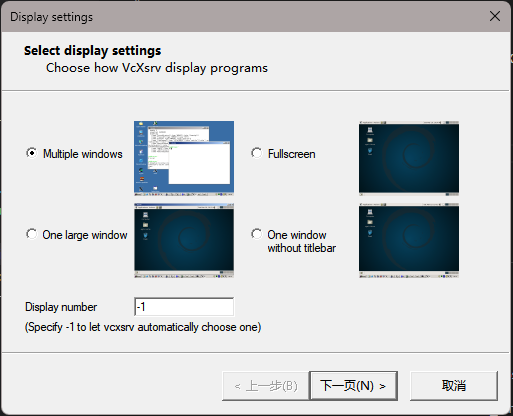
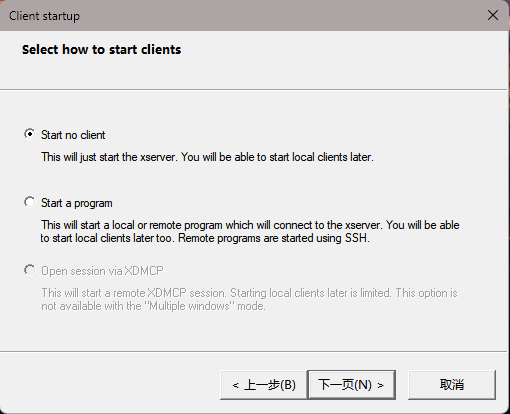
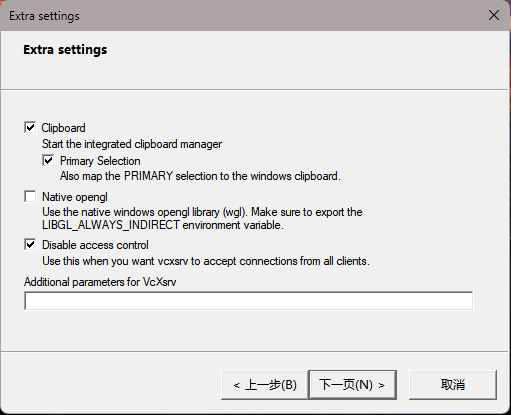
运行成功后将出现图标在托盘
ssh to remote server
in VSCode, install Remote-SSH extension
!()[…/pic/ssh1.png]
click ” + ” and input ssh [uername]@[serverip]
略…
OR
ssh -X username@serverip
Test
xclock
or try to launch rviz
rviz2